✕
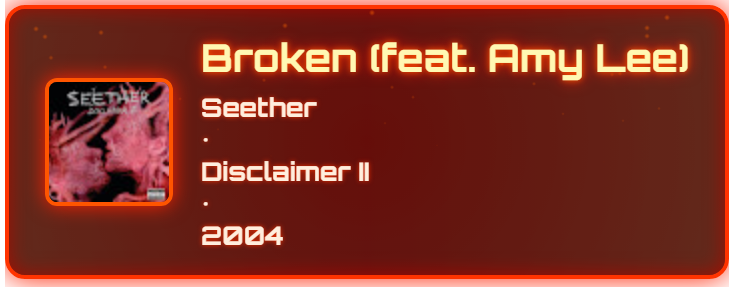
YouTube Music OBS Overlay
Download
yt-music-obs-overlay.Setup.1.0.0.exe
Setup Instructions
1. Launch the app: "yt-music-obs-overlay Setup 1.0.0.exe"

2. It will request network access. You can just set that to private, and not public since this is a locally hosted browser app.

3. YouTube Music should auto open.

4. Start playing your music.

5 In OBS:
  - Add a Browser Source
  - URL: http://localhost:3000/index.html

6. Done! You should see the current music track in your overlay.